
Any agent. Any tools.
Cursor, Claude, ChatGPT, Hermes, OpenClaw. Install Proofable. Click Connect.
Identity and context that travel
Who the agent is, what it may do, what it already proved. Private by default.
Private Cloud Trust Harness
Same agent on a laptop, a server, or a confidential VM.
Connect
Install Proofable in your editor or chat. Click Connect.https://mcp.neus.network/mcp
Reuse what I already have. Before a sensitive action, check my current proofs.Proofable answers Passed, Action needed, or Blocked. One-click: proofable.me/install. Full steps: Connect Proofable.
Connect Proofable
One connection for chat, IDEs, listings, and proofs.
Do the work
Create or import an agent. Open Connections. Chat, start a Pro job, or publish a listing.
Add hosted sign-in
Open a hosted flow for supported identity, ownership, risk, or permission checks.
Sell protected access
Publish the checks and price once. Add one component to your app.
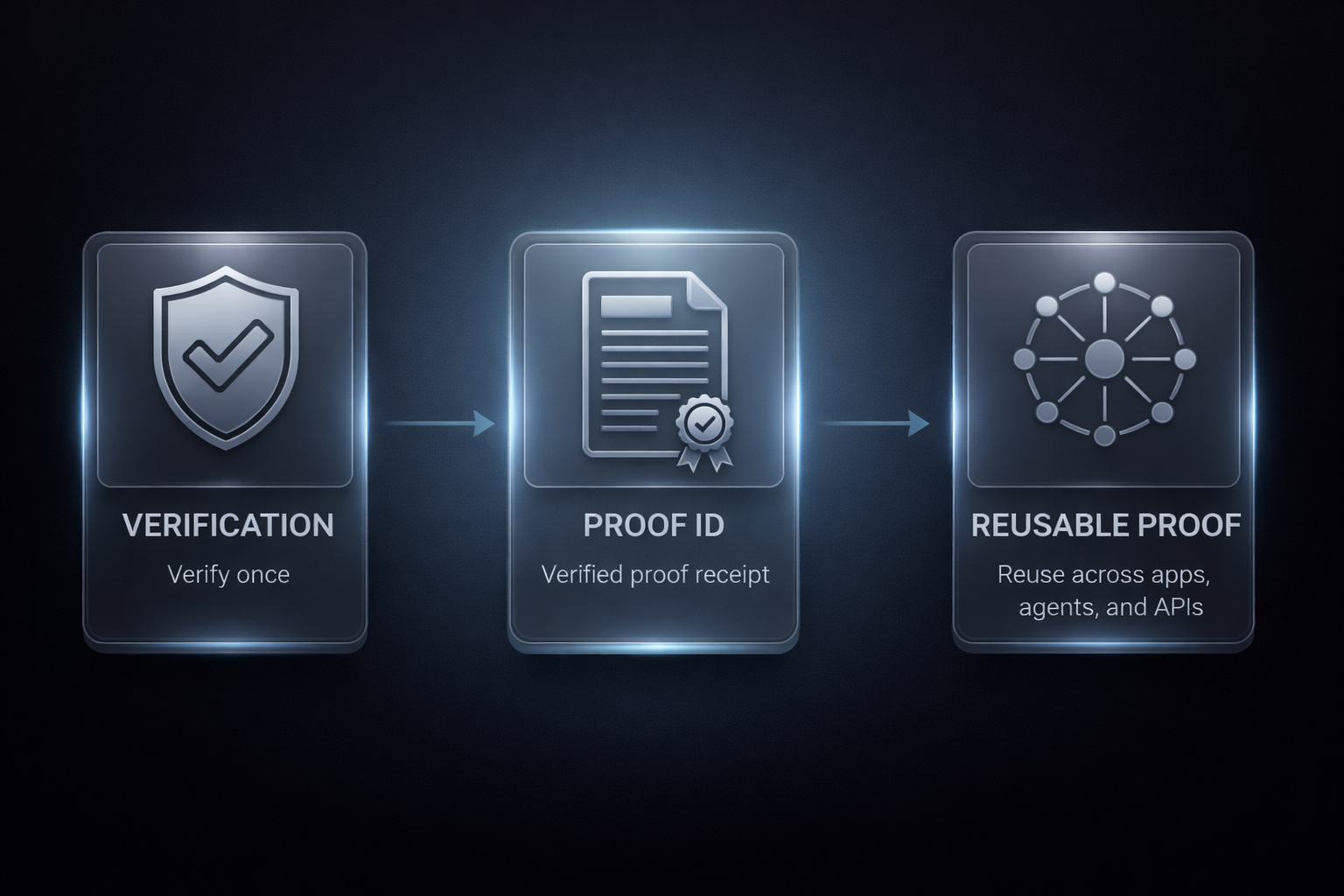
Verify once. Prove everywhere.
- Verify once. Use the hosted screen, MCP, or SDK.
- Prove everywhere. Proofable saves the result with its current status and expiration when one applies.
- Enforce before action. Connected apps require that proof before access, payment, or execution.